Today Calendar
—
—
—
Moon Navigation
28-Day Moon Map
Select any day in this Moon. The Today view and Living Sphere follow the same temporal selection.
Selected
Today
Shabbat / gate
Today in the 13 Moons
Today's Movement
Open today's full reading to view the current movement.
Environment
Location
LOCATION NOT SET
Choose a location to enable weather, sunrise, and sunset.
Observatory Layer
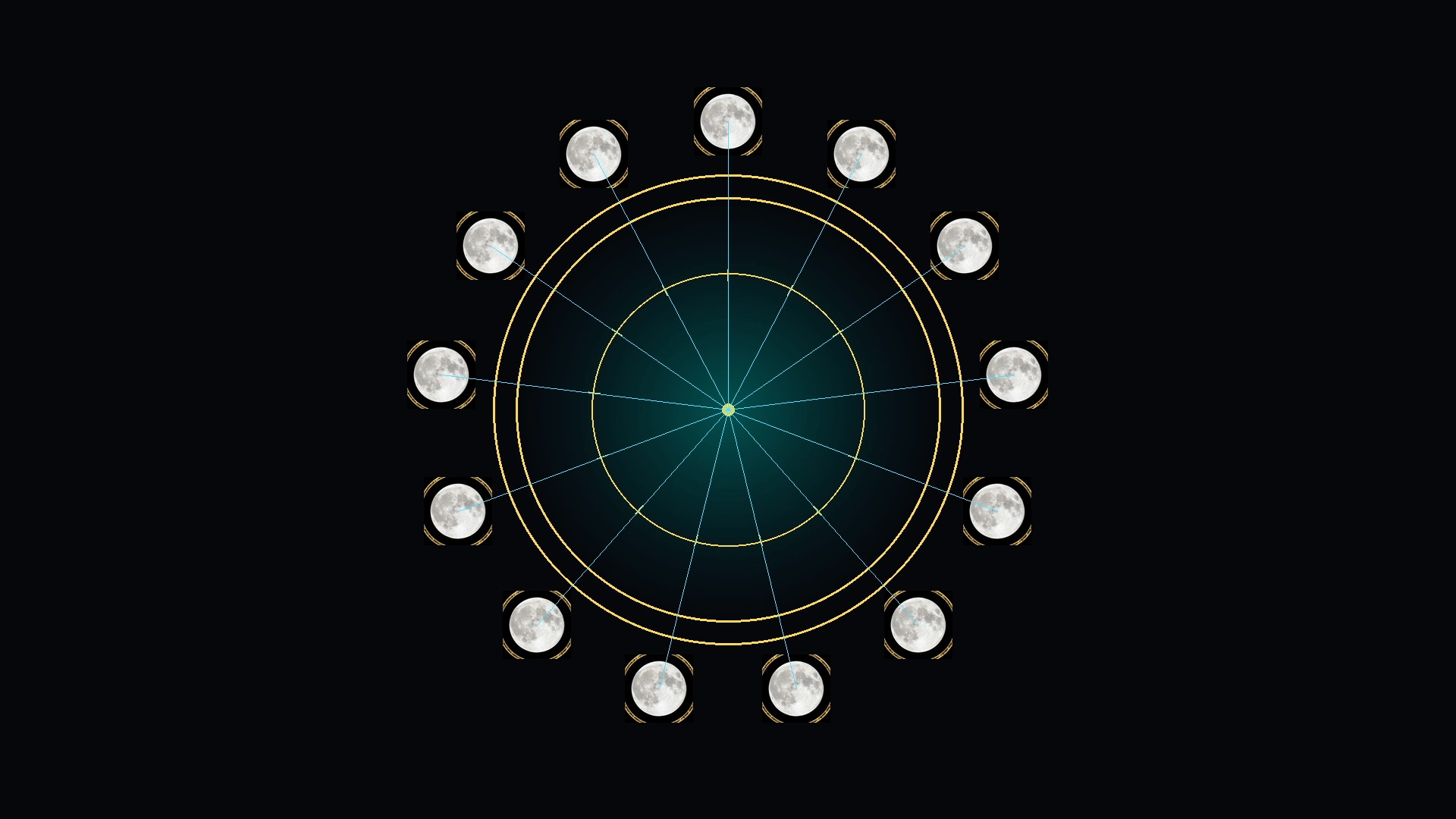
Living Time Sphere — Today
- Pattern
- — · Day —
- Moon name
- —
- Day of 364
- —
- Week Gate
- —
- Lunar phase
- —
- Solar gate
- —
- Season
- —
- Passage
- —
- Boundary
- —
—
Text description
—
Your Path Today
Intention
Practice
Last Witness
Witnessed
—
/28
Current Remnant Moon
—
—
—
Time Gate
Selected Day
—
Sky Body
Visible Moon Phase
—
Observatory Layer
Equinox Passage
Loading Equinox Passage…
—
☲ Remnant Command Center ☲
—
—
Moon Day
—
Visible Moon
—
Solar Gate
—
Field
—
Boundary
Sunset
Shabbat
Checking…
Logs
0
Patterns
0
Day Archetype
—
—
Week Gate
—
—
Sky Mirror
—
—
שבת · Ceasing · Rest · Restoration
Shabbat Gate
Shabbat means ceasing from ordinary labor so time can be set apart for rest, worship, family, meals, reflection, restoration, and peace.
Current State
Checking…
Window
Friday sunset → Saturday nightfall
Moon Position
Days 2 · 9 · 16 · 23
Seal
Cease · Witness · Restore
Stop forcing. Guard the household. Review the witness. Let scattered things return to order.
שבת שלום · Shabbat Shalom
Peace Within the Time of Ceasing
Shabbat is not merely a Saturday label. It is the deliberate stopping of ordinary labor so the household, body, memory, worship, relationship, and witness can return to order.
1
Prepare
2
Cease
3
Rest
4
Witness
5
Return
Preparation Gate
Moon Day 1
Friday before sunset: finish necessary work, settle responsibilities, prepare food and space, and decide what should not be carried into the rest period.
Shabbat Gate
Moon Days 2 · 9 · 16 · 23
Friday sunset through Saturday nightfall: cease ordinary production, protect the household, share food, pray, rest, review, and record without forcing an outcome.
Return Gate
Following Day
Saturday nightfall: separate rest from the returning work cycle, preserve the lesson, and re-enter action with one deliberate next step.
Why It Fits the 13 Moons
Four complete weeks inside every 28-day moon
Each Remnant Moon contains exactly four seven-day weeks. When Moon Day 1 begins on Friday, Shabbat occupies Moon Days 2, 9, 16, and 23 every moon. The date positions remain stable because 28 divides evenly into four weeks.
Year Gate Rule
Do not reset the seven-day week
The 364 counted days equal exactly 52 weeks. Any outside or intercalary Year Gate must keep the continuous weekly count moving. The new 13-Moon year should not artificially restart the weekday cycle, or the Shabbat alignment will eventually break.
Codex Stop Rule
Shabbat as Ethical Governance
Stop producing
Not every problem must be solved today.
Not every problem must be solved today.
Stop forcing
Pressure is not proof of direction.
Pressure is not proof of direction.
Guard the vessel
Protect body, child, household, speech, money, and vow.
Protect body, child, household, speech, money, and vow.
Review the witness
Separate what happened from what was inferred.
Separate what happened from what was inferred.
☲ Daily Ritual Dashboard ☲
Read · Witness · Ground
Begin with the day. Notice the signal. Record the witness. Let repeated patterns become the mirror.
1
Read
2
Witness
3
Log
4
Pattern
5
Seal
✦ Field Meters
Today’s Signal Dashboard
The flow gathers the day into five gates: coherence, body, signal, field, and grounding.
Daily Practice
Seal the Day in Order
Breath
Take 7 slow breaths before response.
Take 7 slow breaths before response.
Word
Write the repeated word or theme.
Write the repeated word or theme.
Body
Eat, hydrate, rest, or step outside.
Eat, hydrate, rest, or step outside.
Action
Choose one move that builds order.
Choose one move that builds order.
Pattern Memory
What Has Been Repeating?
Saved logs can be read across 3, 7, 14, and 28 day windows.
Repeated Words
Save witness logs to reveal repeated words and themes.
Body Signals
Track sleep, pressure, clarity, tension, hunger, and energy.
Field Notes
Watch weather, tech, animals, numbers, and timing across days.
☲ Prophetic Mirror Engine
Read the Day as a Scroll
The mirror gathers moon, day, Shabbat state, solar gate, visible phase, field, and witness into one reading.
Today’s Reading
—
Choose a focus and build the mirror reading.
Threefold Counsel
Signal
The day’s first witness appears here.
Crossing
The pressure gate appears here.
Command
The clean action appears here.
☲ Daily Witness
Coherence Log Builder
Fill it out, generate the witness, copy it, or save it locally.
Generated Witness
Your daily witness will appear here.
☉ Sky Mirror
Astrology Mirror
A symbolic mirror for season, element, body, emotion, speech, timing, planetary alignments, and witness.
Solar Gate
—
Body, provision, land, stability, and what must be made real.
Moon Mirror
—
Emotion, memory, dreams, family signal, and inner weather.
Daily Counsel
Witness
Observe first. Interpret after the pattern repeats.
Element Mirror
—
Elemental reading appears here.
Body House
—
Body and practical focus appears here.
Integration
Ground
Let the sky become a mirror, then let the body choose the grounded step.
✦ Planetary Alignment Mirror
Planetarium
A planetary wheel for the selected effective date, ready for a real ephemeris override when connected.
Planetary Placements
Aspect Mirror
Remnant Moon Calendar
Fixed 4 weeks × 7 days. With Sunset Boundary active, each Remnant day begins at sunset rather than midnight.
Gregorian Calendar Overlay
Shows how each civil date maps into the Remnant count. After sunset, the effective Remnant date advances.
Year Map
The counted year contains 13 Moons × 28 days = 364 days = 52 complete weeks. The anchor and any outside Year Gate must preserve the continuous seven-day cycle.
—
| Moon | Name | Essence | Element | Frequency | Start | End | Practice |
|---|---|---|---|---|---|---|---|
| Calculating… | |||||||
Codex Day Seal
—
—
Witness Prompt
Questions for Today
—
Pattern Timeline
Compares saved logs across 3, 7, 14, and 28 day windows.
Recent Timeline
✦ Today’s Field Card
Observe Before You Interpret
Notice the body, check the sky, mark the field, then wait for repeated patterns across multiple days.
1 · Body
Sleep, pressure, hunger, calm, tension, energy, clarity.
2 · Mind
Dreams, memory, repeated words, focus, emotional weather.
3 · Field
Moon phase, Kp status, weather, tech glitches, animal behavior, timing.
4 · Witness
Record first. Interpret after multiple days show the same pattern.
⊕ Earth Hum · Schumann Field
7.83 Hz Practical Signal Layer
This page does not fetch live Kp data. Check an outside source, tag the day manually, then compare it against saved witness logs.
Baseline Bell
7.83 Hz
Earth-ionosphere resonance. Treat as context, not command.
Quiet Field
Kp < 5
Normal log day. Record mood, sleep, dreams, focus, and moon correspondence.
Charged Field
Kp 5–6
Mark the day elevated. Watch sensitivity, restlessness, pressure, or unusual clarity.
Storm Field
Kp 7+
Use grounding. Reduce overload. Log patterns for 2–4 days after the peak.
Saved Local Witness Logs
Saved in this browser only using localStorage.
Log Tools
Copy all saved logs, export JSON, import JSON, or clear the local archive.
Install the 13 Moons App
Carry 13 Moons as an app
Installation adds a Home Screen icon, opens the calendar without the normal browser bar where supported, and prepares essential files for offline use. Your records remain on this device.
Checking installation support…
Waiting for browser install state…
To install 13 Moons on iPhone, open this page in Safari first. Use the browser menu to open the page in Safari, then return here.
Install on iPhone or iPad with Safari
- Open this page in Safari.
- Tap the Share button.
- Select Add to Home Screen.
- Confirm the name 13 Moons.
- Tap Add, then open the new icon.
A new version is ready. Saved logs will be preserved. Use Check for Updates below to apply it.
Installation & Recovery
App Settings
Updates and refreshed app files preserve saved records. Reinstall only as a recovery step.
- App version
- —
- Service-worker build
- —
- CSS release
- —
- Page build
- —
- Deployment commit
- —
- Browser mode
- —
- Install state
- —
- Online/offline
- —
- beforeinstallprompt
- —
- appinstalled
- —
- Service-worker control
- —
- Service-worker scope
- —
- Matching registrations
- —
- Manifest ID
- —
- Manifest start URL
- —
- Manifest scope
- —
- Manifest display
- —
- Update status
- Up to date
- Saved records
- 0
- Last update
- —
Refresh App Files verifies and activates a fresh service worker before reloading. Previous recovery files remain available until the refreshed app starts successfully. It does not delete logs or settings.
Data Protection
Records, settings, imported backups, and optional location stay in this browser. Witness text, readings, notes, precise location, and backups are not sent to analytics. Location is optional and is used only to calculate sunset; manual sunset works without it.
Import validates the 13 Moons backup, reports record counts, and creates a local rollback backup before making changes.
Whole Calendar Safety
Checking calendar storage…
Your calendar has local records but no recent portable backup.
Full Calendar Backup includes 13 Moons settings/logs, Calendar Atlas notes and pins, Observatory records/preferences, location/unit settings, and Life Atlas planner records. Downloaded files are the portable copy that survives browser data clearing or moving devices.
Android Reinstall
- Export important witness logs.
- Try Check for Updates, then Refresh App Files.
- Close the app and long-press its icon.
- Choose App info or Uninstall and remove it.
- Logs and settings stay in Chrome unless you also erase local app data.
- Open codexofreality.org/moons.html in Chrome.
- Select Install 13 Moons and import logs if needed.
iPhone Reinstall
- Export important witness logs.
- Try Check for Updates first.
- Remove the 13 Moons Home Screen icon.
- Open codexofreality.org/moons.html in Safari.
- Tap Share, choose Add to Home Screen, then Add.
- Import saved logs if needed.
Removing the icon may not erase Safari website storage. Clearing app files is different from deleting logs.
Erase Local App Data
Destructive: removes only 13 Moons-owned settings, logs, witness entries, mirror entries, patterns, and local backups. Export important records first.
Record in Witness Ledger
Save an observation, insight, or result from this page to your local Codex.
Record